
Yalla TV APK vs Website Which is Better?
The Yalla TV APK is faster and uses less battery on Android. The website works on iPhone, PC, and any browser with no installation. Both versions access the same channels and stream quality. The right choice depends entirely on your device.
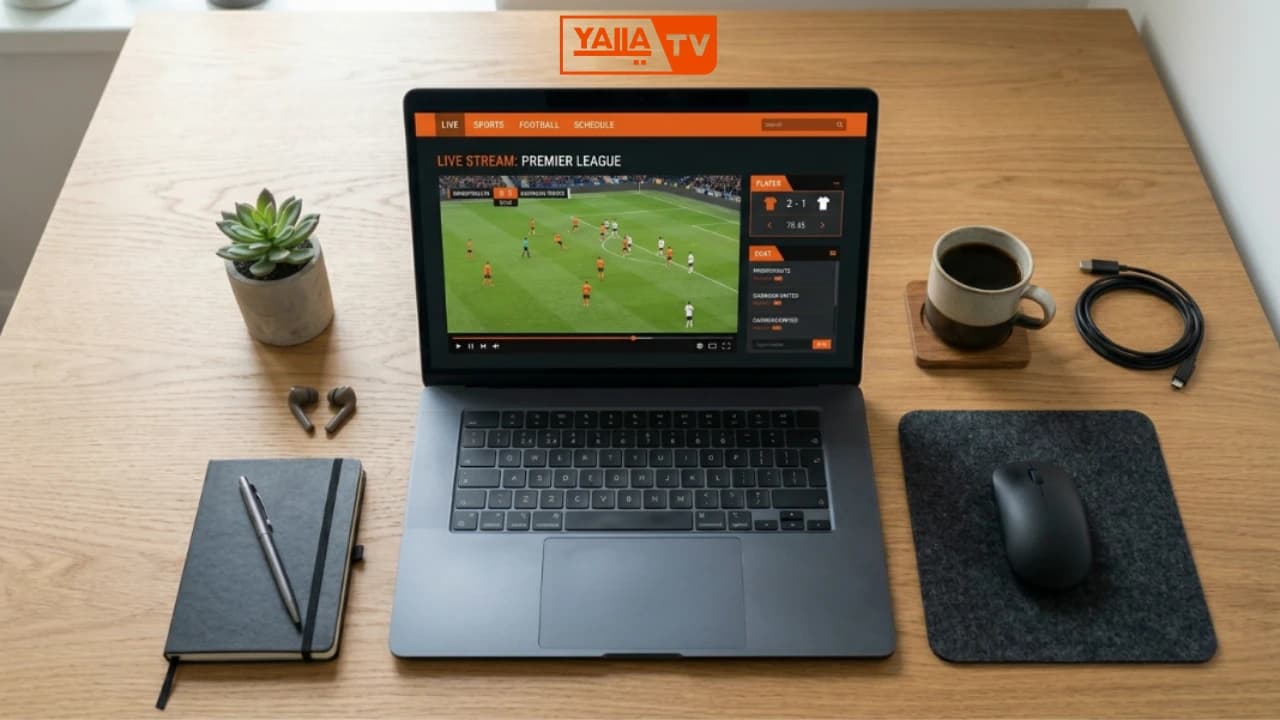
Yalla TV APK vs Website: Full Comparison
Every major factor compared in one table. Use this to decide which version fits your situation before reading the detailed breakdown below.
| Factor | APK (Android) | Website (Browser) |
|---|---|---|
| Best for device | Android phones and tablets | iPhone, PC, Mac, Smart TV browsers |
| Installation required | Yes (64 MB APK download) | No (open in any browser) |
| Stream loading speed | Faster (native app) | Slightly slower (browser overhead) |
| Battery usage | Lower (optimized for Android) | Higher (browser is power-hungry) |
| Background audio | Yes (app keeps playing) | Depends on browser settings |
| Max stream quality | HD (up to 1080p) | HD (up to 1080p) |
| Channel count | Same | Same |
| Server options | Same | Same |
| English commentary | Yes | Yes |
| Updates required | Manual APK update | Always current (no update needed) |
| Works on iPhone | No (Android only) | Yes (Safari or Chrome) |
| Works on PC | No | Yes (all browsers) |
APK or Website: Which Should You Choose?
The answer depends on your device. There is no single winner because the two versions target different platforms. Use the decision guide below.
Use the APK if...
- You are on Android and watch matches regularly
- You want faster stream load times
- You want the stream to continue in the background
- You are on a slower connection (APK handles buffering better)
- You watch on Firestick or Android TV
Use the website if...
- You are on iPhone or iPad
- You are watching on a PC, Mac, or laptop
- You do not want to install anything
- You are using a Smart TV with a built-in browser
- You only watch occasionally and do not need the full app
Why Android Users Should Use the APK
The Yalla TV APK version 2.1.2 is built specifically for Android. It loads streams in a native player that starts faster than a browser video element and handles network interruptions more gracefully. On slower 3G or 4G connections, the APK buffers less because it uses a lower-overhead connection to stream servers.
Battery life is noticeably better on the APK. Browsers run extra JavaScript, CSS rendering, and page-level processes that the APK skips entirely. During a 90-minute match on mobile data, the APK uses approximately 20 to 30 percent less battery than the same stream in Chrome.
The APK also supports background audio. When you switch to another app, the commentary continues through the speaker or your earphones. This is useful when checking messages during halftime or following a second match on another device.
Full Android installation guide →
APK vs Website: Questions Answered
Is the Yalla TV APK better than the website?
For Android users, the APK is the better choice. It loads faster, uses less battery during long matches, and supports background audio so the stream continues when you switch apps. The website is the better option for iPhone users and PC users since no APK installation is required and the experience is seamless through a browser.
Can I use Yalla TV on iPhone without an APK?
Yes. iPhone users cannot install Android APK files. The website version of Yalla TV at yallatv.pro works on iPhone through Safari or Chrome. The streaming quality and server options are the same as the APK version. iPhone users do not need to download anything.
Does the Yalla TV APK have more channels than the website?
No. Both the APK and the website provide access to the same beIN Sport channels and match streams. The channel list does not differ between the two versions. The main practical differences are in performance, convenience, and device compatibility rather than content availability.
Is the Yalla TV website safe to use on PC?
Yes. The Yalla TV website works in Chrome, Firefox, and Edge on Windows and Mac. No plugins or extensions are required. On PC, the website is the recommended way to watch since there is no desktop APK for Windows. The stream quality on PC browsers can reach 1080p HD on a fast connection.
Which version uses less data: APK or website?
Both use similar data amounts since the stream quality is identical. The APK may compress certain UI elements slightly more efficiently, but the actual video stream data is the same. On a limited mobile data plan, the best way to reduce data usage is to lower stream quality to SD, regardless of whether you use the APK or website.
Does Yalla TV APK work on Smart TV?
Yes. Smart TVs and Firesticks running Android TV can install the Yalla TV APK directly. This gives a better TV-optimized experience than trying to browse the website on a TV browser. For Smart TVs running Tizen or webOS (Samsung, LG), the website version through the built-in browser is the only option.
Ready to Watch Yalla TV?
Android users: download the APK below. iPhone and PC users: open the live stream page directly. Both are free, no account needed.