
Yalla TV on PC and Laptop Watch Football Free Windows Mac
Stream live football on any PC or laptop. Chrome, Firefox and Edge are all supported. Yalla TV on PC requires no software download, no account and no subscription. Open your browser, go to yallatv.pro and watch live World Cup 2026 matches, beIN Sport channels and all major leagues in HD on your full monitor.
Works on Windows 10, Windows 11, macOS 12 and above, and any Linux desktop with a modern browser. Italian, Indonesian and Senegalese fans use Yalla TV on PC for the largest screen experience during big matches.
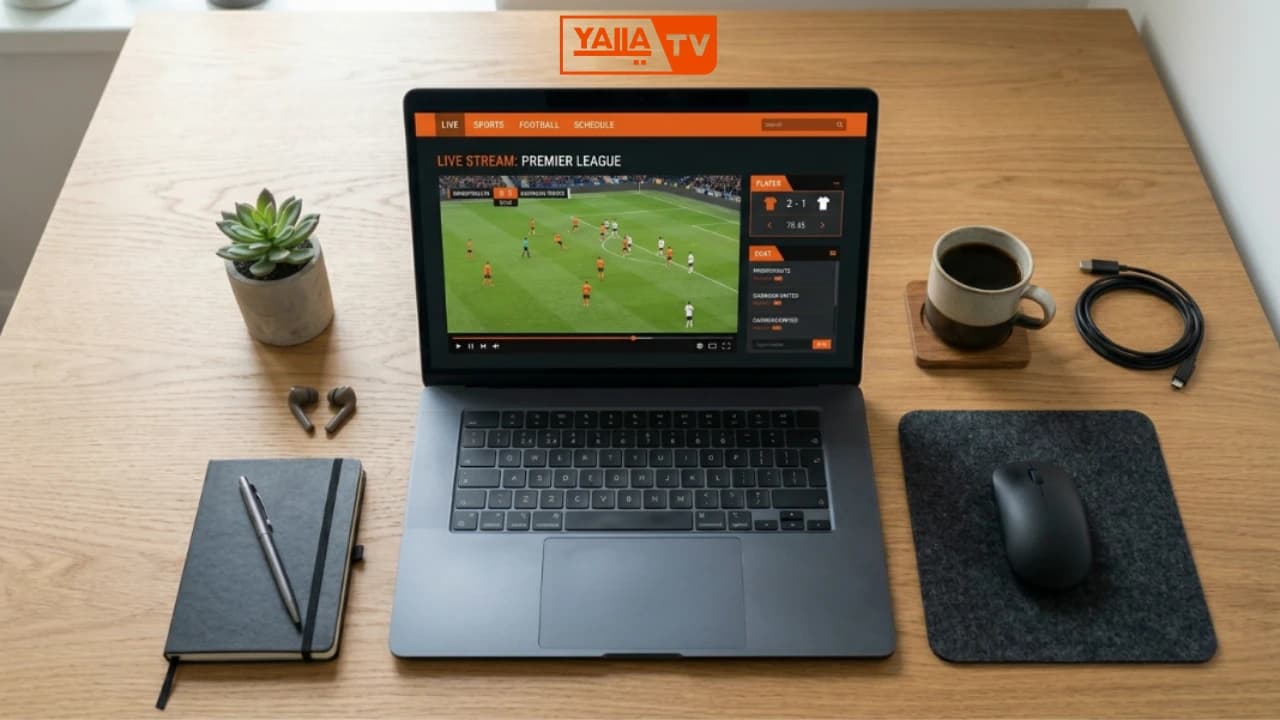
- PLATFORM
- Windows / Mac
- METHOD
- Browser only
- INSTALL
- Not needed
- STREAMS
- Up to 1080p
- PRICE
- Free
PC and Laptop Compatibility
Yalla TV works on any PC or laptop with a modern web browser installed. No software download is required. You need Windows 10 or Windows 11, or macOS 12 Monterey and above. Linux users can access Yalla TV through Chrome or Firefox on any distribution.
A stable internet connection of 10 Mbps or above is recommended for HD streams on a larger monitor. Lower-quality server options are available for slower connections. Prefer watching on a big screen? The Smart TV guide covers dedicated TV app setup.
Browser Compatibility
| Browser | Platform | Status |
|---|---|---|
| Google Chrome | Windows, Mac, Linux | Best |
| Microsoft Edge | Windows 10/11 | Working |
| Mozilla Firefox | Windows, Mac, Linux | Working |
| Safari | macOS 12+ | Working |
| Opera | Windows, Mac | Working |
| Brave | Windows, Mac, Linux | Working |
How to Watch Yalla TV on PC
Open Chrome, Firefox or Edge on your PC
Any modern browser works. Chrome and Edge give the best streaming performance for Yalla TV on Windows.
Navigate to yallatv.pro
Type yallatv.pro in the address bar and press Enter. The homepage loads with today's live and scheduled matches.
Select a live match from the schedule
Browse the match schedule and find the game you want to watch. Live matches are marked with a red indicator.
Click the stream link
Click the primary stream link for the match. Multiple backup server options are available if the first link is busy.
Watch full-screen in browser
Press F11 or click the full-screen button in the video player to watch in full screen. Press Escape to exit.
If streams do not load, the most common cause is an ad blocker. Disable your ad blocker for yallatv.pro or add it to your whitelist. Also check that pop-ups are permitted for the site in your browser settings, as some match stream links open in a new tab.
Yalla TV PC Features
Full HD on Large Screen
Stream live football in full HD on your monitor or laptop screen. The larger display gives a much better experience than mobile for long matches.
Multi-Tab Score Browsing
Open multiple browser tabs to check scores in other matches while your main stream keeps playing. Pin the score tab for quick access.
Keyboard Shortcuts
Use F11 for full-screen, Space to pause, M to mute and arrow keys to adjust volume inside most video players on Yalla TV.
No Login Required
Open the site, pick a match and watch. No account creation, no email sign-up and no subscription. Completely free on every visit.
Chrome Notifications
Allow browser notifications on yallatv.pro to receive match start alerts. Click Allow when the notification prompt appears in Chrome or Edge.
VPN Compatible
Yalla TV on PC works with any VPN if you need to access streams from a restricted region. No configuration changes needed inside the browser.
Yalla TV PC Troubleshooting
Stream blocked by browser
Disable your ad blocker for yallatv.pro. Most ad blockers block stream embeds by default. In Chrome, go to Extensions, find your ad blocker and add yallatv.pro to the whitelist or click "Pause on this site".
Pop-up streams not opening
Allow pop-ups for yallatv.pro. In Chrome go to Settings > Privacy and Security > Site Settings > Pop-ups and redirects. Add yallatv.pro to the Allowed list. In Firefox, click the pop-up blocked notification and select Allow.
No sound in browser
Check that the browser tab is not muted. Right-click the tab in Chrome or Edge and select Unmute Tab. Also check your Windows sound mixer to confirm the browser volume is not set to zero.
HD not loading on PC
Try a different server link on the match page. If only one server is available, switch browsers. Disable hardware acceleration in Chrome (Settings > System > Use hardware acceleration) if the stream stutters on older hardware.
Yalla TV PC at a Glance
Yalla TV on PC: Common Questions
How to watch Yalla TV on PC?
Open Chrome, Firefox or Edge on your PC and go to yallatv.pro. Select a live or upcoming match from the schedule. Click the stream link and watch in your browser. Press F11 for full-screen. No software download is needed.
Yalla TV Chrome is not working on PC, how to fix it?
The most common cause is an ad blocker preventing the stream from loading. Disable your ad blocker for yallatv.pro in your browser extensions. Also check that pop-ups are allowed for the site in Chrome Settings > Privacy > Site Settings > Pop-ups.
How to watch Yalla TV on a Mac laptop?
Open Safari, Chrome or Firefox on your Mac and navigate to yallatv.pro. The site works on macOS 12 Monterey and above. Select a match and click the stream link. Use Command + Control + F to enter full-screen mode.
How to watch Yalla TV full screen on PC?
Press F11 in Chrome, Firefox or Edge to enter full-screen mode. Inside the video player, click the full-screen button in the bottom right of the player controls. Press Escape or F11 again to exit full screen.
Does Yalla TV work on Windows 11?
Yes. Yalla TV works on Windows 11 in Chrome, Edge and Firefox. Microsoft Edge is pre-installed on Windows 11 and works well for Yalla TV streams. No additional software is required.
What is the best browser for Yalla TV on PC?
Google Chrome gives the best performance for Yalla TV on PC. Firefox and Edge are also reliable. Disable hardware acceleration in your browser settings if streams stutter on older laptops. A connection speed of 10 Mbps or above is recommended for HD on a larger screen.