Yalla TV FAQ All Your Questions Answered 2026
Yalla TV FAQ: this page answers every question about Yalla TV, from whether it is free and safe to how to fix buffering and what devices it supports. With 12 questions covering general use and technical issues, this is the complete reference for anyone using Yalla TV in 2026.
Topics include account requirements, legal status in Italy, Indonesia and Senegal, device compatibility, stream quality, the difference between Yalla TV and Yalla Shoot, and how to resolve common errors like buffering, black screen and app crashes.
6 Most-Asked Questions About Yalla TV
Here are the most common Yalla TV questions with one-line answers. Detailed answers are in the FAQ sections below.
Is Yalla TV free?
Yes, completely free
No subscription, no credit card, no hidden fees.
Is it safe?
Yes, official site is safe
No personal data collected. Download APK from yallatv.pro only.
Do I need to sign up?
No sign-up needed
Open the site and watch. Zero registration required.
Which devices work?
All devices
Android, iPhone, PC, Smart TV. Browser or APK.
Is HD available?
Yes, HD streams
HD quality on beIN Sport 1, 2 and 3. Backup servers available.
Is it legal?
Varies by country
Check local broadcasting laws. Widely used in IT, SN and ID.
General Questions About Yalla TV
What is Yalla TV and how does it work?
Yalla TV is a free sports streaming platform available at yallatv.pro. It aggregates live stream links from beIN Sport and other international broadcasters into a single interface. You visit the site, select a sport or match from the schedule, and click a stream link. No account, payment or software installation is required. An Android APK is available for those who prefer a dedicated app.
Is Yalla TV completely free to use?
Yes. Yalla TV is 100% free. There is no subscription fee, no premium tier, no credit card required and no hidden charges. The platform is funded by advertising, so you will see banner ads during your session. Watching live sports, browsing the channel list, and using all features costs nothing.
Do I need to create an account or sign up?
No. Yalla TV requires no account, no registration and no email address. You open yallatv.pro in any browser and start watching immediately. This is one of the platform's most important features: there is no login page and no verification step of any kind.
Is Yalla TV safe to use on my phone?
Yalla TV does not request personal data, payment details or permissions beyond what is needed to display streams. The site does not collect your name, email or financial information. For Android users, the main safety consideration is downloading the APK only from the official source at yallatv.pro/yalla-tv-apk/ to avoid modified versions. Using an ad blocker while browsing is recommended to reduce exposure to third-party ad networks on stream pages.
What sports does Yalla TV cover?
Yalla TV covers football (Premier League, Serie A, La Liga, Champions League, World Cup, Africa Cup of Nations), Formula 1, MotoGP, tennis (Grand Slams, ATP, WTA), UFC and MMA, NBA basketball, and selected cricket events. Football is the most extensive category with matches from over 20 leagues and competitions broadcast live on beIN Sport channels.
Which countries is Yalla TV available in?
Yalla TV works in over 50 countries. It is most popular in Italy, Senegal, Indonesia, and across the Middle East and North Africa. No VPN is required in the majority of countries. The platform has dedicated multilingual content for Italian, French-speaking Senegalese and Bahasa Indonesia users. Availability of specific beIN Sport channels may vary by region.
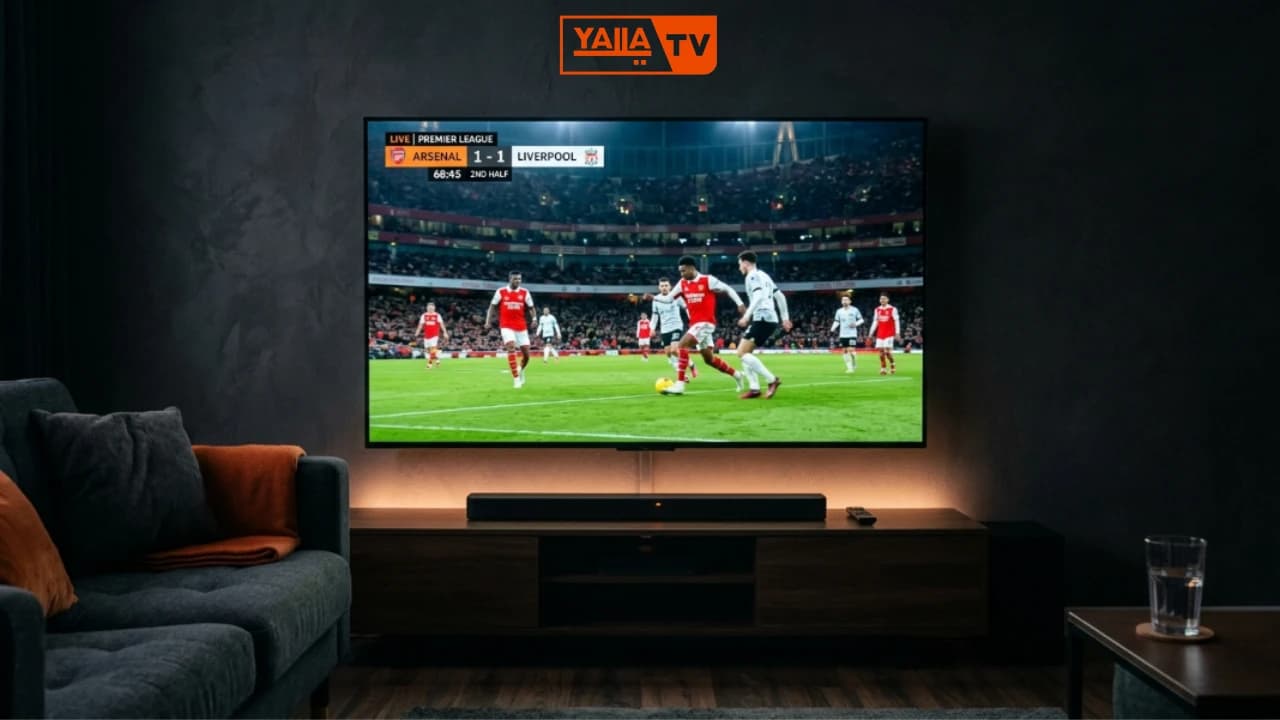
Yalla TV is used by over 10 million sports fans monthly across the Middle East, Europe, Africa and Southeast Asia. No account or payment is required at any point.
Yalla TV on Every Device
Yalla TV works on Android, iPhone, PC and Smart TV. Each platform has a dedicated guide covering installation, setup and troubleshooting.
Android
Download the official APK and install in under 2 minutes. Supports all 50+ channels.
Android GuideTechnical Questions: Fixing and Updating Yalla TV
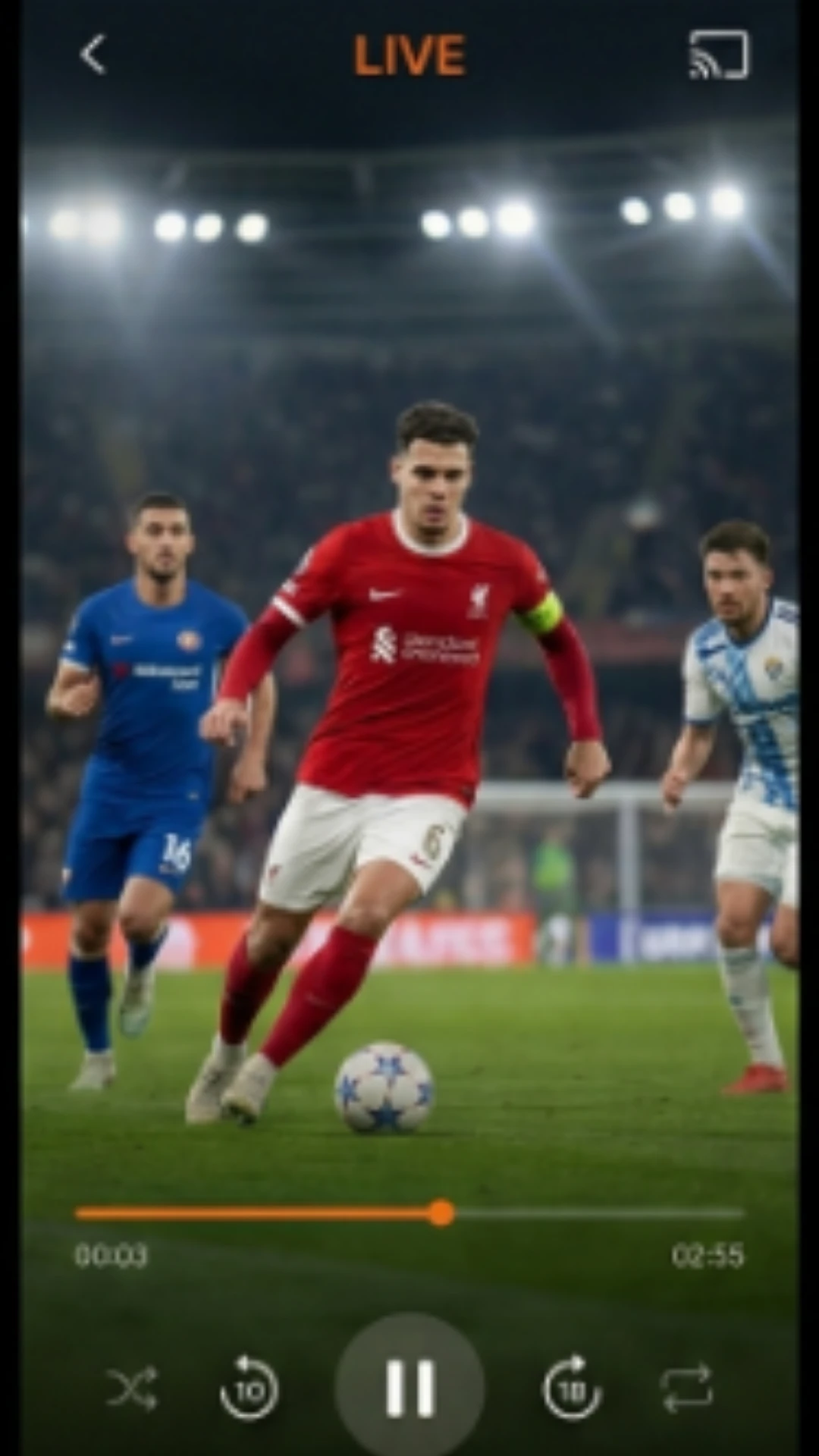
For the fastest fix when Yalla TV stops working, refresh the page and select a different stream server. Most issues resolve within 60 seconds using this method.
Why is Yalla TV not working today?
If Yalla TV is not loading, the most common causes are: the stream link has expired (refresh the page and try an alternative server), your internet connection is too slow for the stream quality, your browser has a cached version of a broken page (clear cache and reload), or the site URL has changed. Always use yallatv.pro as the primary address. Check our dedicated fix guide at /yalla-tv-not-working/ for step-by-step troubleshooting.
How do I fix Yalla TV buffering?
Buffering on Yalla TV is usually caused by slow internet, a congested stream server, or too many browser tabs open. To fix it: switch to a lower quality stream option on the same page, try a different stream server (most match pages list multiple options), close other tabs and apps, connect to a 5GHz Wi-Fi signal instead of 4G, or clear your browser cache. A minimum connection speed of 5 Mbps is recommended for stable HD streaming.
How do I update Yalla TV to the latest version?
For the Android APK, visit yallatv.pro/yalla-tv-apk/ and download the latest version file. Install it over your existing app without uninstalling first (your settings are preserved). The web version at yallatv.pro updates automatically and requires no action from users. Always download APK updates from the official site to avoid tampered versions.
Can I watch Yalla TV without a VPN?
Yes. Yalla TV works without a VPN in most countries including Italy, Senegal, Indonesia and most of the Middle East. In a small number of countries where beIN Sport or the yallatv.pro domain is blocked by ISPs, a VPN may help restore access. If you can load the site normally, a VPN is not needed and will not improve stream quality.
What is the difference between Yalla TV and Yalla Shoot?
Yalla TV (yallatv.pro) and Yalla Shoot are separate platforms. Both stream beIN Sport channels for free and both require no registration. Yalla TV has a wider sports selection, dedicated multilingual content (Italian, French, Bahasa Indonesia), and an official Android APK. Yalla Shoot focuses primarily on Arabic football commentary. The two sites share similar infrastructure but are operated independently.
Is Yalla TV legal in Italy, Indonesia and Senegal?
The legal status of Yalla TV varies by country and depends on local broadcasting laws. In Italy, free streaming of premium sports content without a subscription occupies a legal grey area. In Indonesia and Senegal, enforcement of streaming laws is minimal and Yalla TV is widely used without restriction. Users are responsible for checking the applicable laws in their own country. Yalla TV does not produce its own broadcasts and links only to third-party streams.
Yalla TV FAQ: Complete Question Index
All 12 questions covered on this page, across general use and technical topics. Use this index to jump to the answer you need.
What is Yalla TV and how does it work?
Is Yalla TV completely free to use?
Do I need to create an account or sign up?
Is Yalla TV safe to use on my phone?
What sports does Yalla TV cover?
Which countries is Yalla TV available in?
Why is Yalla TV not working today?
How do I fix Yalla TV buffering?
How do I update Yalla TV to the latest version?
Can I watch Yalla TV without a VPN?
What is the difference between Yalla TV and Yalla Shoot?
Is Yalla TV legal in Italy, Indonesia and Senegal?
Start Watching on Yalla TV Now
Every question answered: Yalla TV is free, requires no sign-up, works on all devices, and covers football, F1, MotoGP, tennis and more. Open yallatv.pro in your browser or download the Android APK and start watching today's live matches in minutes.